 Documentation


Working with PostgreSQL Extensions
In Database Tour, to work with extensions in PostgreSQL database, use the corresponding tab of the Object Browser.
In the list of extensions, not installed extensions are shown dimmed.
Installing Extensions
To install an extension, switch to the corresponding tab of the Object Browser. Locate the needed extension in the list and select it. This will open a new sub-window displaying the extension's properties.
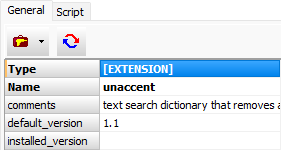
Click the Utilities button  on the General tab and choose Install.
Uninstalling Extensions
To uninstall an extension, switch to the corresponding tab of the Object Browser. Locate the needed extension in the list and select it. This will open a new sub-window displaying the extension's properties.
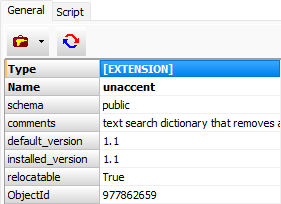
Click the Utilities button on the General tab and choose Delete.
Updating Extension Version
To update an extension to the latest version, switch to the corresponding tab of the Object Browser. Locate the needed extension in the list and select it. This will open a new sub-window displaying the extension's properties.
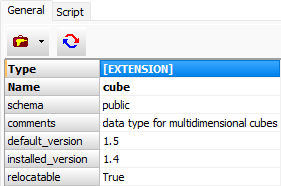
Click the Utilities button on the General tab and choose Update. Note: This menu item is active only when a new version is available.