 Documentation


SQL Query Windows
To create a new SQL window in active database, click New SQL Window button  , or choose Query | New... menu, or press Ctrl+Q. You can create any number of SQL windows for each database (you are limited only by operating memory and the screen size).
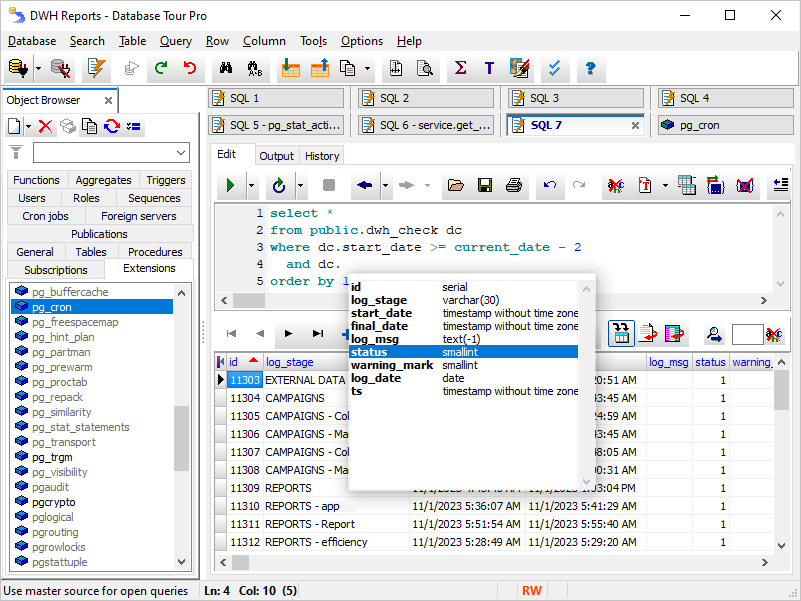
In the SQL window, there are several pages:
- Edit. The place where you type your database query text.
- Result. Here, the result of the SELECT query is shown. This page is shown only if the corresponding option of SQL Editor is on; when the option is off (default), the query result is shown at the bottom of the Edit page.
- Output. This page shows server output for Oracle and PostgreSQL databases. See more below.
- History. This page contains SQL execution history for this SQL window.
See also